Platform

Clients
Company
Resources
Partners
Use Listrak's free Email Grader to audit any marketing email against industry best practices for deliverability, accessibility, mobile optimization, content, and conversion. Results are available in seconds – just paste a "View in Browser" link.
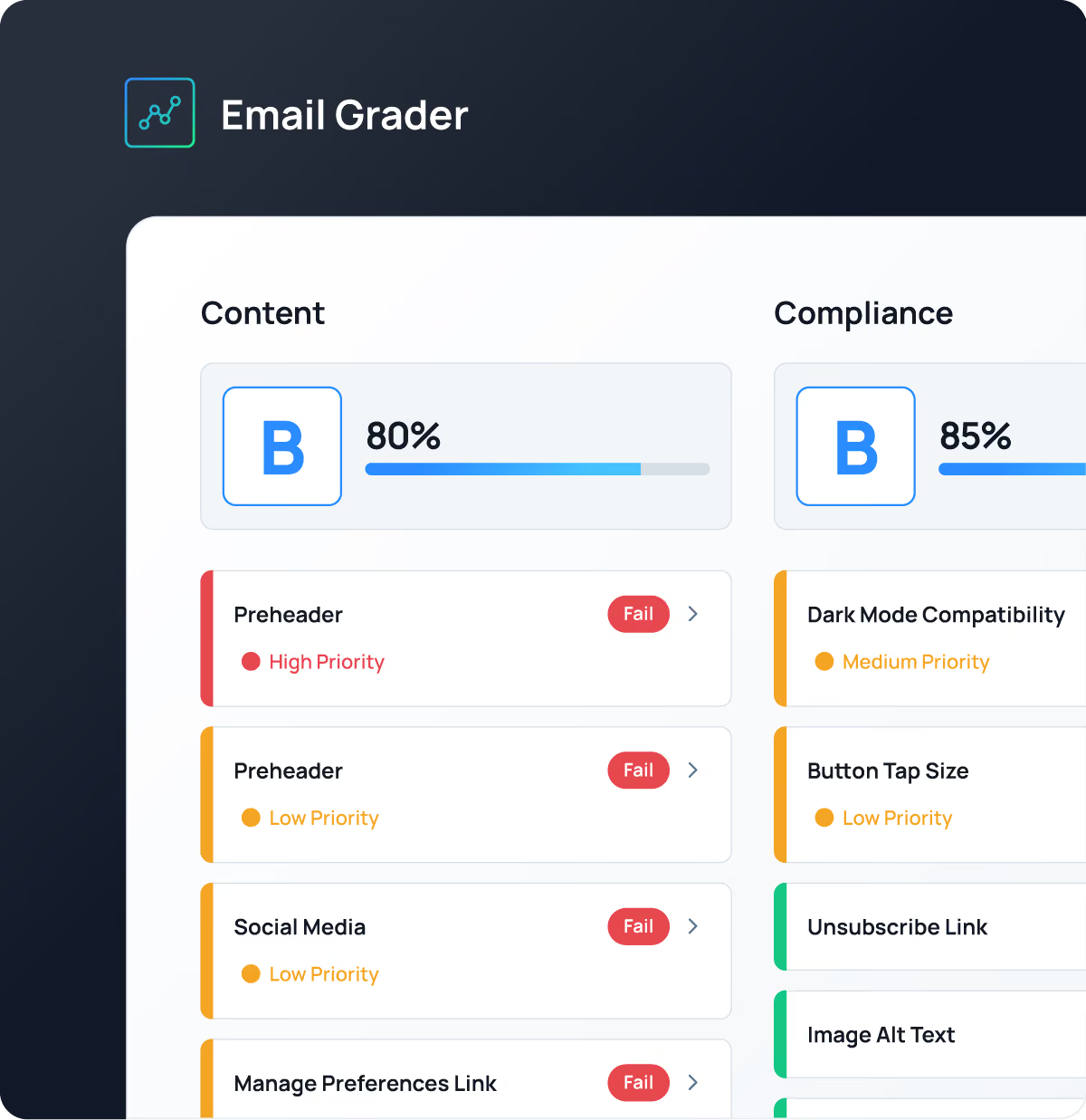
Every email is evaluated against 30+ proven email marketing best practices across the key elements of a high-performing email. Here's what we evaluate:


Receive your free Email Marketing Audit in seconds.

































Built on 25+ years of helping retailers improve email performance. Every recommendation in the Email Grader is based on the same proven email best practices Listrak's experts use every day to help retailers build stronger customer relationships and drive revenue growth.
.png)

.png)
.png)

An email marketing audit is a review of your email program against proven best practices for content, design, deliverability, and compliance. It identifies what's working, what's holding performance back, and where small changes can improve opens, clicks, and conversions. Listrak's free Email Grader runs this kind of check on any individual email in seconds.
Start with a single email and evaluate it across three areas: content (subject line, preview text, calls to action), composition (mobile rendering, load size, accessibility), and compliance (unsubscribe, sender information, CAN-SPAM). Reviewing one email is a strong first step; auditing regularly across your program is where the bigger gains come from. The Email Grader checks all three areas automatically.
A good checklist covers content, composition, and compliance: a clear subject line and preview text, a single focused call to action, mobile-friendly and accessible design, reasonable file size to avoid Gmail clipping, descriptive alt text, and a working unsubscribe link with accurate sender information. The Email Grader evaluates more than 30 of these checks in one pass.
Reviewing individual emails before they send is a good habit, and a broader program audit each quarter helps you catch drift in deliverability, design, and compliance as your sends and audience change. Regular checks keep every message ready to perform.
Every email you send shapes how customers experience your brand. Regular email marketing audits help ensure every message is ready to perform.
Paste the "View in Browser" link from your marketing email into the Email Grader. The tool analyzes your email against more than 30 evaluation criteria across Content, Composition, and Compliance, then provides a report with recommendations to help improve performance.
The Email Grader evaluates more than 30 email marketing best practices across Content, Composition, and Compliance. It reviews subject lines, preview text, calls to action, mobile responsiveness, accessibility, image optimization, compliance, and more to help improve the subscriber experience. Reviewing a single email is a valuable starting point, but ongoing testing helps improve your overall email program.
Preview text appears alongside or below your subject line in many inboxes. When it complements your subject line, it provides additional context, encourages opens, and sets expectations before subscribers read your email.
An effective CTA clearly tells subscribers what to do next. Keep it concise, action-oriented, easy to find, and focused on one primary action to help guide subscribers toward conversion.
There's no ideal length, but concise subject lines are generally easier to read across devices. Focus on communicating value quickly, pair your subject line with strong preview text, and test different approaches to see what resonates with your audience.
More than half of marketing emails are opened on mobile devices. Responsive design, concise copy, readable text, and touch-friendly buttons create a better subscriber experience and make it easier for people to engage with your email.
Gmail clips emails when the HTML exceeds about 102 KB, hiding the rest behind a "View entire message" link. To help avoid clipping, keep your code clean, remove unnecessary HTML, and simplify complex templates.
Alt text describes images for screen readers and provides context when images don't load. Clear, descriptive alt text improves accessibility and helps ensure subscribers understand your message.
Email accessibility helps ensure everyone can read, understand, and interact with your emails. Best practices like descriptive alt text, sufficient color contrast, readable font sizes, and descriptive links create a better experience for all subscribers.
The CAN-SPAM Act requires marketing emails to use accurate sender information and subject lines, include your physical mailing address, and offer a clear, working way to unsubscribe that's honored promptly. Meeting these requirements keeps you compliant with U.S. law and builds trust with subscribers. The Email Grader checks your emails against these requirements automatically, alongside TCPA and accessibility best practices.
An easy-to-find unsubscribe link gives subscribers a simple way to opt out of future marketing emails. It helps maintain a healthier subscriber list, reduces spam complaints, and improves the overall subscriber experience.
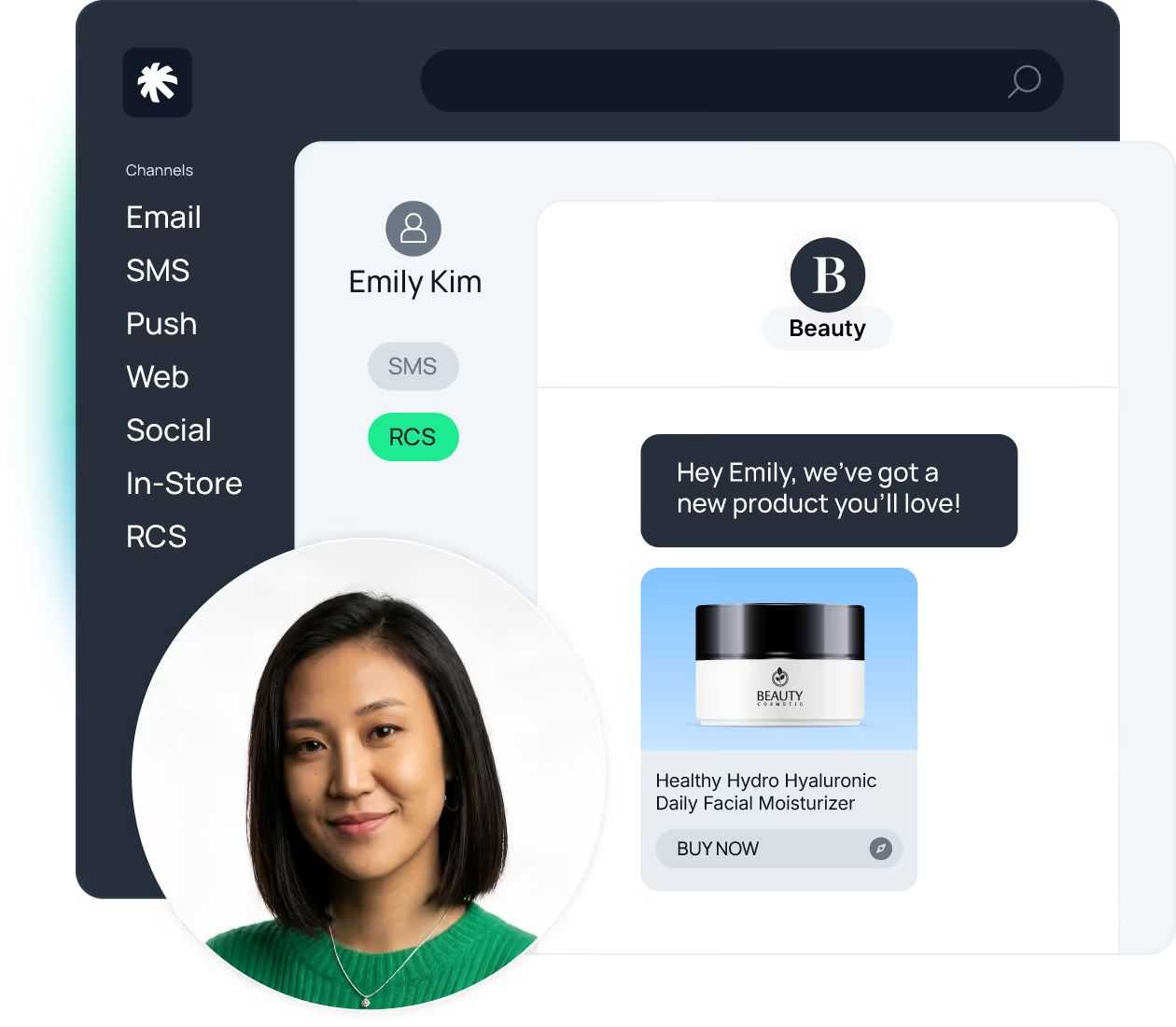
Deliver personalized experiences across email, SMS, app, web, in-store, and emerging channels like RCS from a single platform.
One platform. One customer view.
Personalized engagement everywhere.