
Platform

Clients
Company
Resources
Partners
Listrak Studio is a Figma plugin built by Listrak. It runs inside Figma and converts your approved design into a responsive, cross-client-tested HTML email, saved directly into your Listrak account and ready to attach to any campaign.
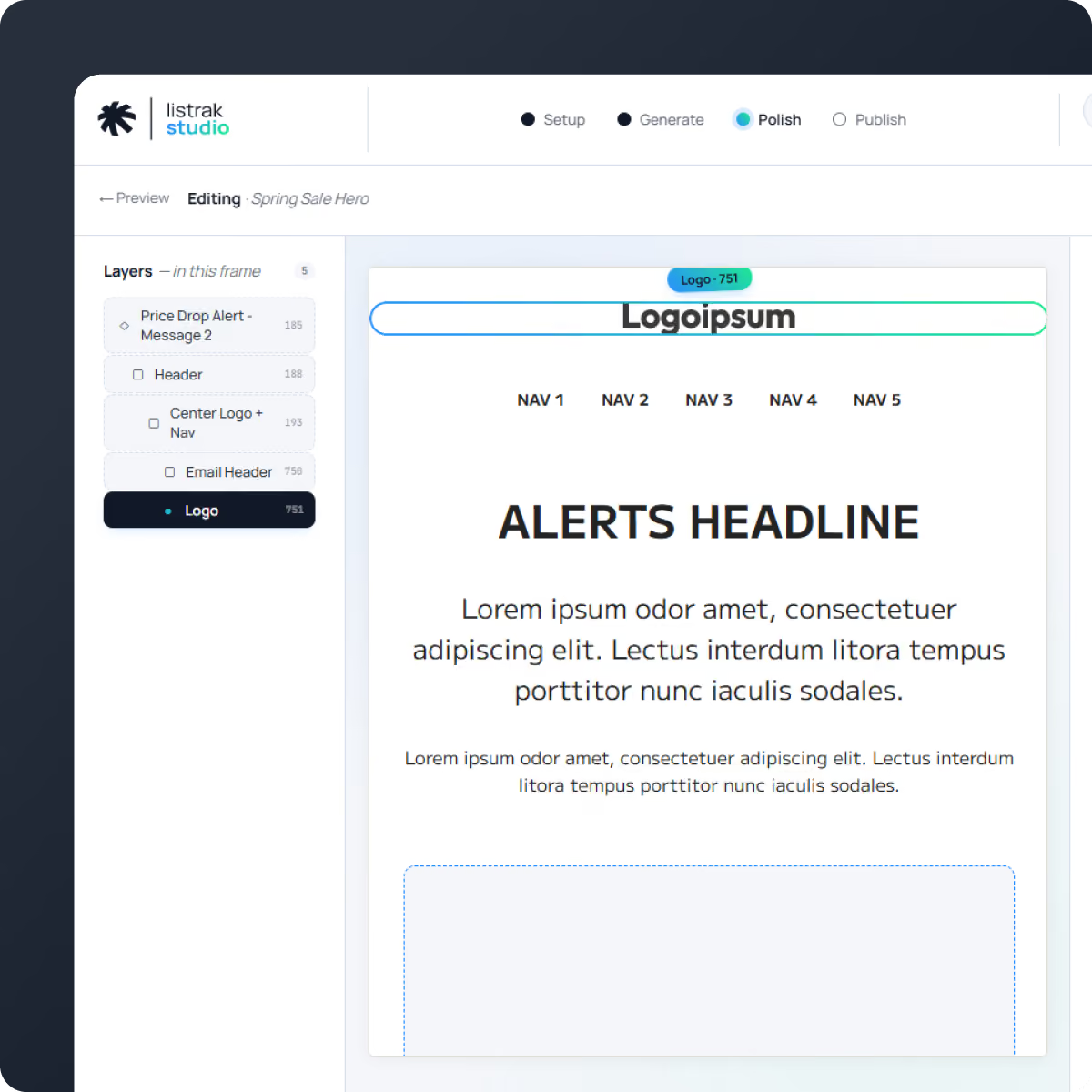
Listrak Studio does more than upload images. It's a media manager and email builder that runs the whole Figma-to-email workflow, from tagging the layers to pushing the finished message into your account.

The HTML is built on an email boilerplate Listrak has tested and refined for over a decade, so what comes out is production code rather than an export. It includes:

Build cart, purchase, replenishment, and Shopify transactional emails using Handlebars. Tag a repeating item once and Listrak Studio generates the loop for you.

Listrak Studio reads Auto Layout to understand spacing, alignment, and responsive behavior. Existing files may need Auto Layout applied before exporting, which doesn't change how your design looks, and a built-in converter handles most straightforward cases for you.

Listrak Studio makes the biggest difference for teams who:

Your Figma file stays the source of truth. You control how the export behaves by tagging layer names for mobile padding, alignment, column stacking, image sizing, buttons, dividers, and Saved Content. The HTML follows your design rather than the other way around.
Click any element in the preview to update links, image sources, alt text, padding, alignment, or visibility. Changes update instantly and re-export cleanly.

Send test emails, publish Saved Content and Dynamic Content, and upload images to your Media Library with automatic or manual compression, all without leaving Figma. The finished email lands in your account as a Saved Message, ready to attach to any campaign. Change the design in Figma, push again, and the same Saved Message updates in place.

Figma stays your design tool. Listrak stays your sending platform. Listrak Studio is the connection between them, and your Figma file stays the single source of truth.

Listrak Studio is a Figma plugin that converts email designs into responsive, production-ready HTML and pushes the finished message into Listrak. It removes the step where a design gets rebuilt by hand, or by a developer, before it can be sent.
Yes. A Listrak account is required to send test emails, publish content, and upload images. Authentication is handled through Listrak.
That's what it's built for. The export uses table-based layouts, MSO conditionals, and VML backgrounds, which are the techniques Outlook needs, and you can preview the rendering across desktop and mobile before anything is sent.
Usually. Listrak Studio reads Auto Layout to understand spacing and responsive behavior, so a file built without it may need Auto Layout applied first. That doesn't change how the design looks, and a built-in converter handles most straightforward cases automatically.
You can edit inside the plugin before you export. Click any element in the preview to change links, image sources, alt text, padding, alignment, or visibility, and the export updates with it.
It's included for all Listrak clients at no additional cost. Install it from the Figma Community plugin directory and sign in with your Listrak credentials.
A finished email as a Message, standalone frames as Dynamic Content, Saved Content, and images into your Media Library.


